


budgeting
Budgeting App vs. Spreadsheet: Which Budgeting Method Fits Your Routine?
A spreadsheet can be a powerful budgeting tool, but its manual upkeep can make it difficult to keep current. Learn when a dedicated budgeting app...
Budgeting that connects the whole month
Brightly Budget brings transactions, category budgets, saving goals, debts, recurring costs, and spending trends into one clear mobile routine. When a number needs context, ask the built-in AI assistant.
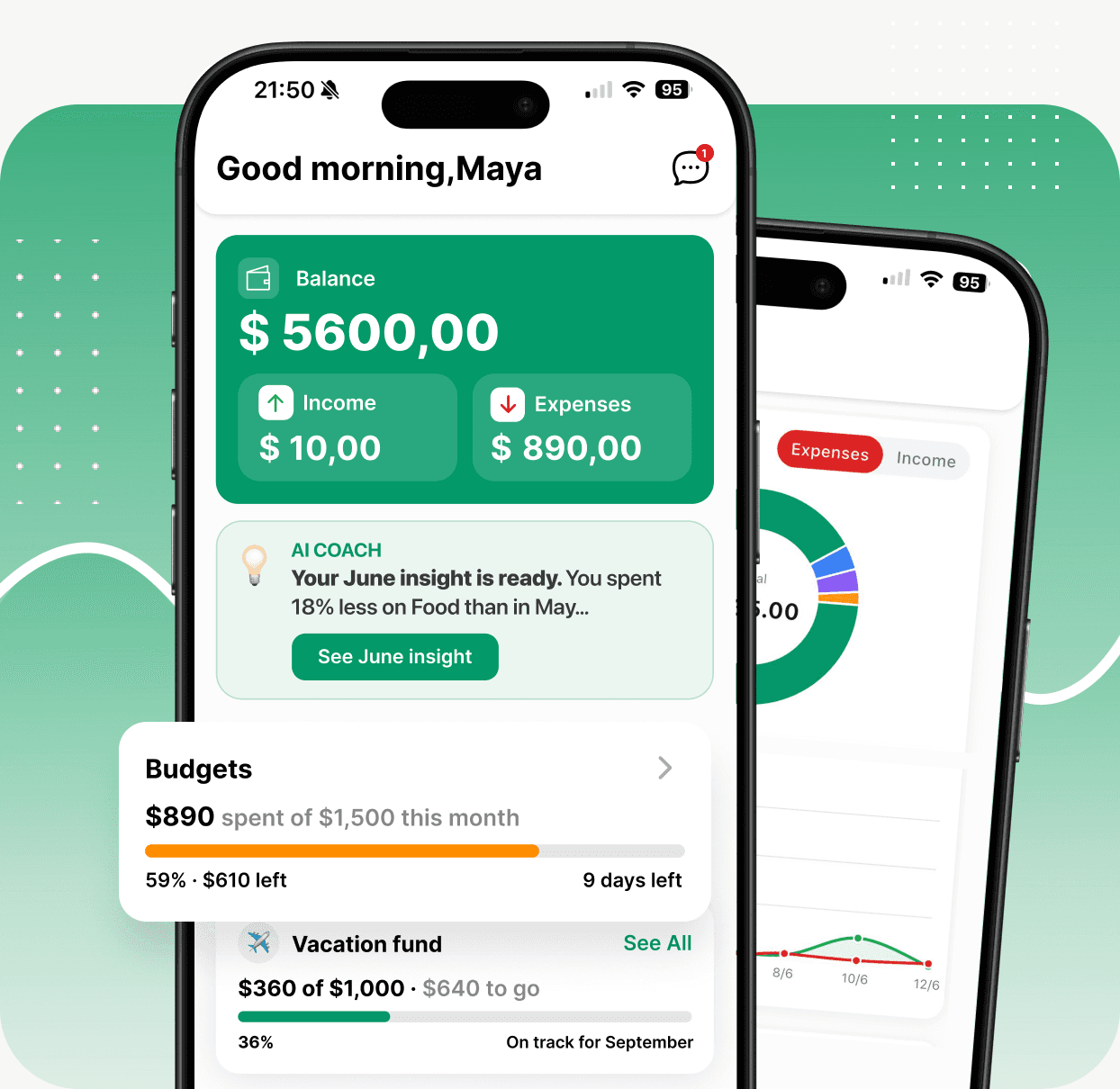
 One connected pictureTransactions, plans, progress, and trends
 You confirm the dataManual entry and review-first receipt drafts
 AI with contextQuestions and insights based on your records
 Built for mobileAvailable now on iOS and Android
The monthly workflow
Each entry should make the next decision easier.
Ordinary trackers give you a list of transactions. Brightly turns the same activity into a working plan—what changed, where it changed, and which target it affects.
Add income, expenses, transfers, and notes as the month unfolds.
Category budgets show what is spent and what is still available.
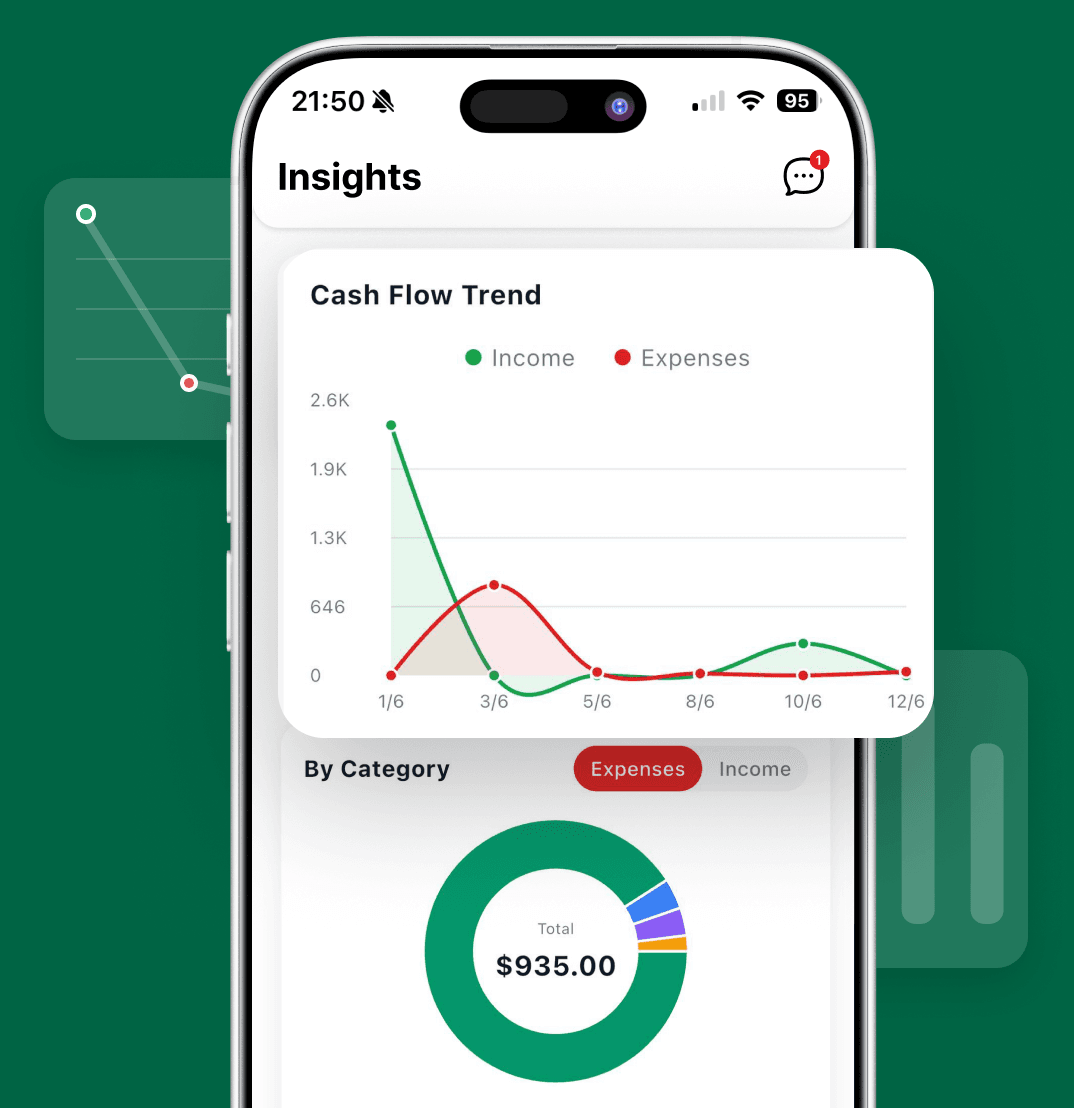
Goals, debts, recurring costs, and cash-flow trends stay connected to the same activity.
Use current numbers—not last month’s guess—to decide what changes now.
AI that can see the plan
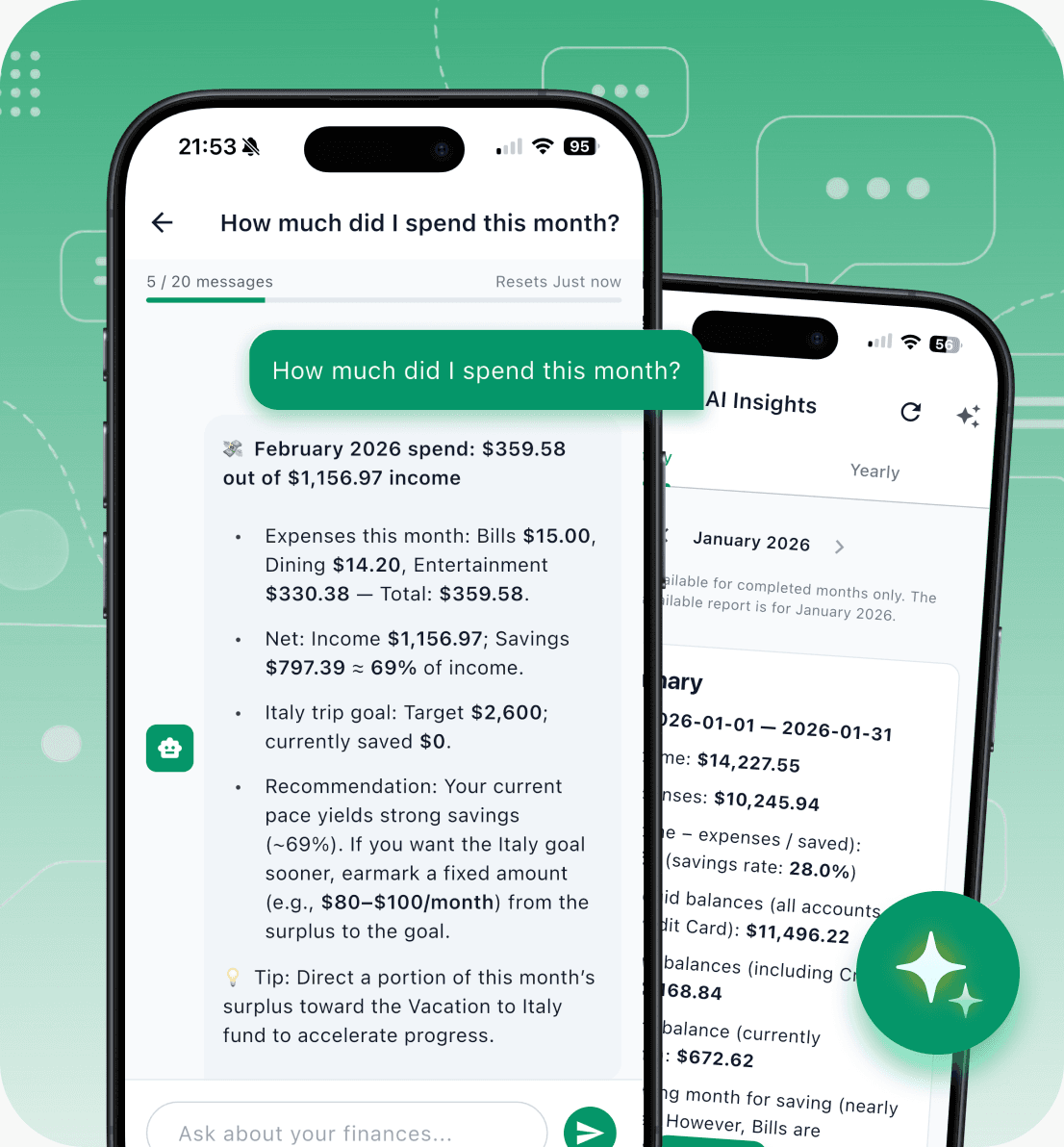
Ask what the numbers mean — not just what they are.
Brightly’s AI assistant works from the financial records you add to the app. Use it to investigate spending, put changes in context, and make a more informed call about the month ahead.
 Ask a specific questionWhere did dining go over plan this month?
 Review a patternCompare income and expenses across the period you choose.
 Think through the next moveUse your recorded activity, budgets, and goals as context.
→AI output is informational and may be incomplete. It is not financial, legal, tax, or investment advice.
Plans with a pulse
Budgets, goals, and debts share the same reality.
They are not three disconnected checklists. Each one becomes more useful when it sits beside the transactions and trends that affect it.
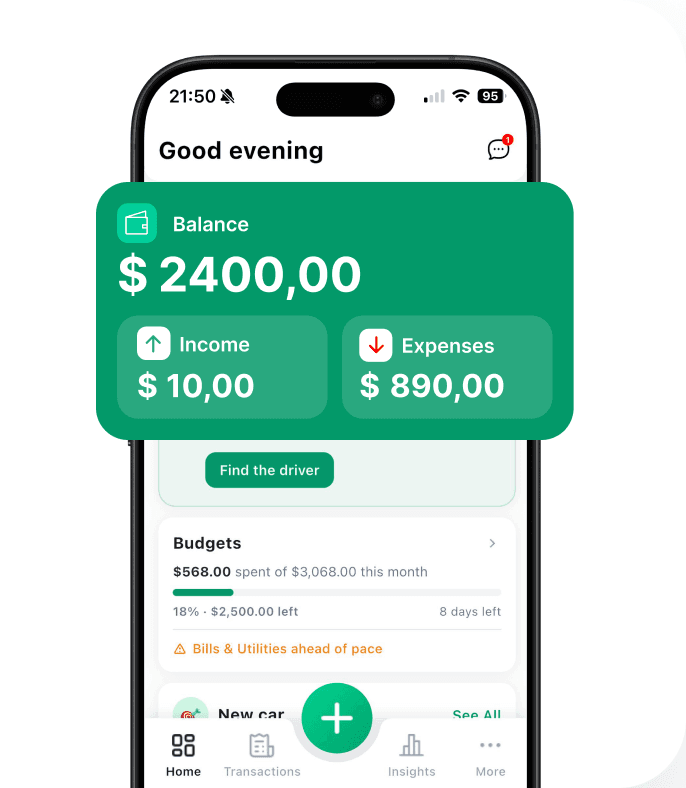
01 / Budgets
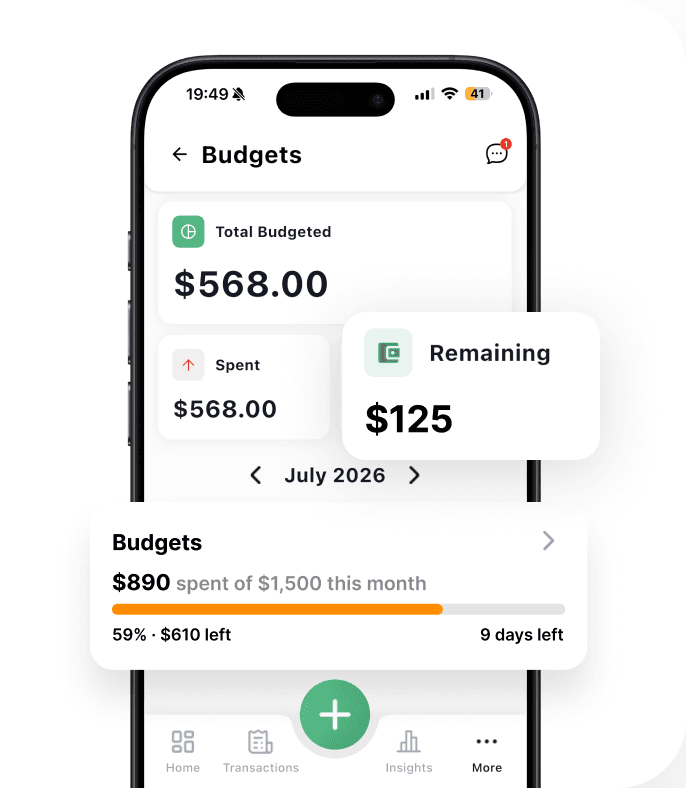
Budgets tell you what is still available.
Set a monthly amount by category, then compare it with recorded spending as the month moves.
Category Plan · Spent Amount · Remaining Amount
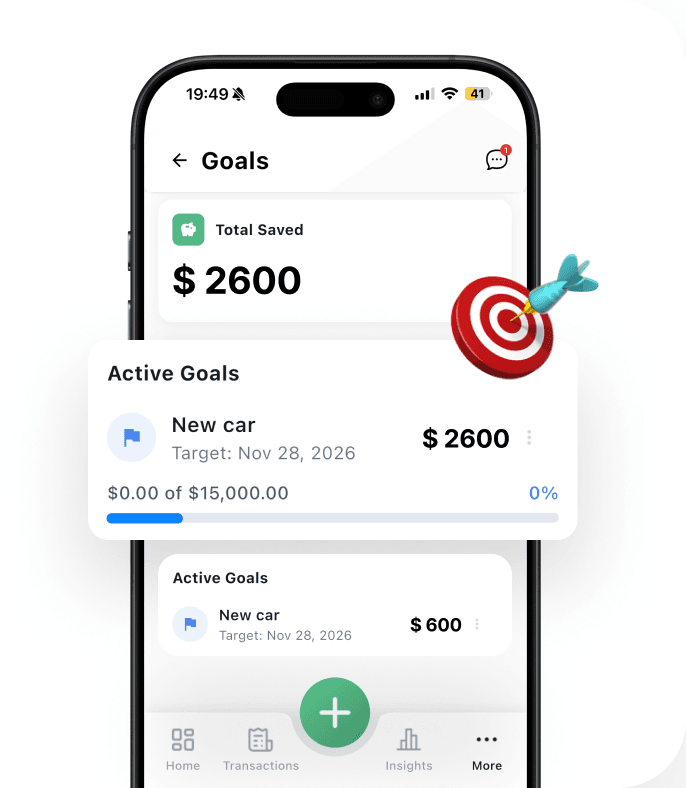
02 / Savings goals
Goals give saving a visible destination.
Record contributions and keep the target, current amount, and remaining distance in view.
Target · Contribution Progress · Remaining Amount
03 / Debt tracking
Debt tracking makes progress measurable.
Keep balances and repayments beside the rest of your plan, instead of treating debt as a separate spreadsheet.
Balance · Payments · Payoff Progress
Less typing, same control
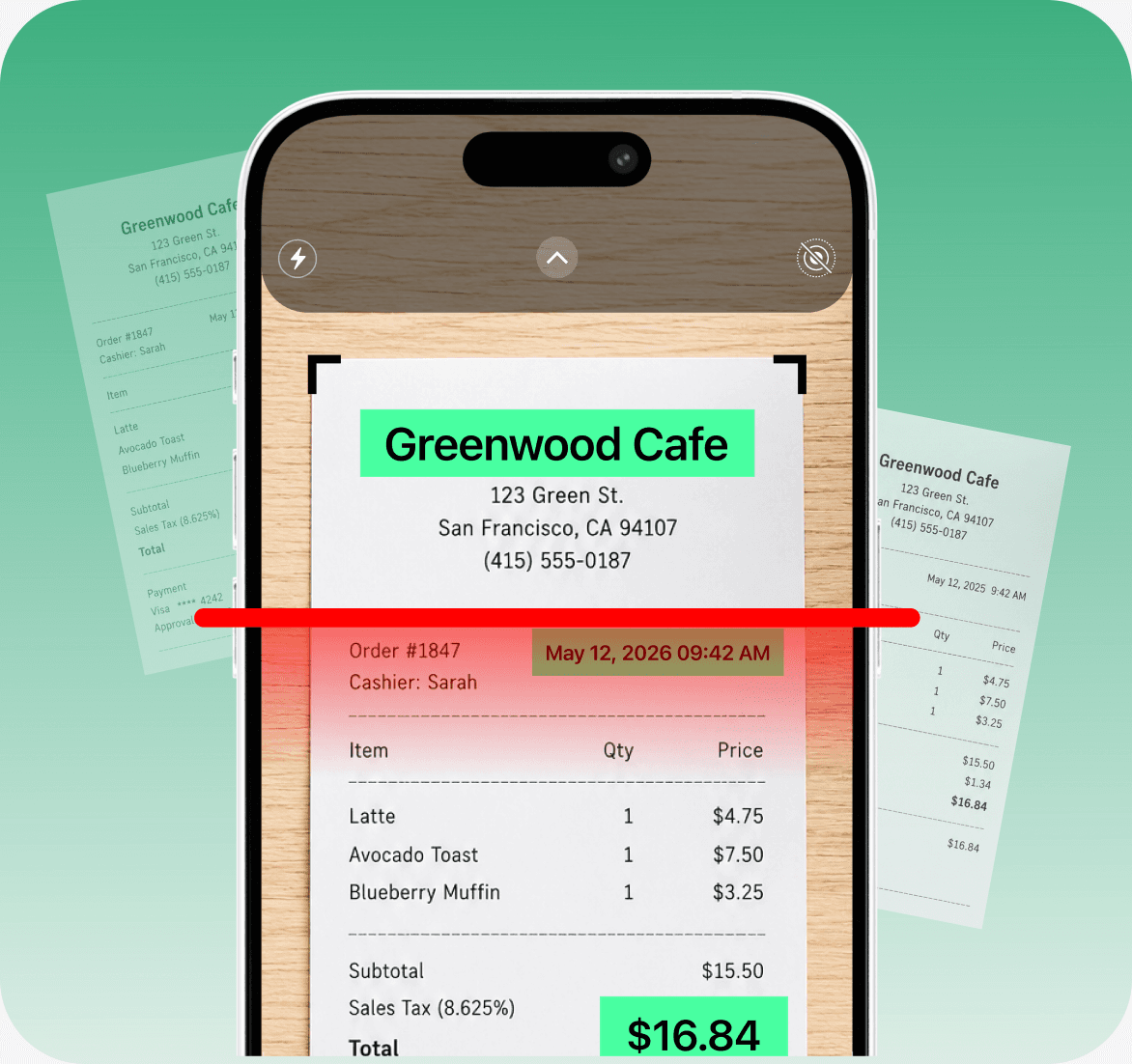
Turn a receipt into a transaction draft.
Receipt scanning handles the repetitive part of expense entry. Brightly extracts the key details and suggests where the transaction belongs; you review the draft before anything is saved.
Photograph or choose a receipt image
Review the extracted merchant, date, total, and currency
Check the suggested category and account
Edit anything that needs changing, then save
Recurring transactions
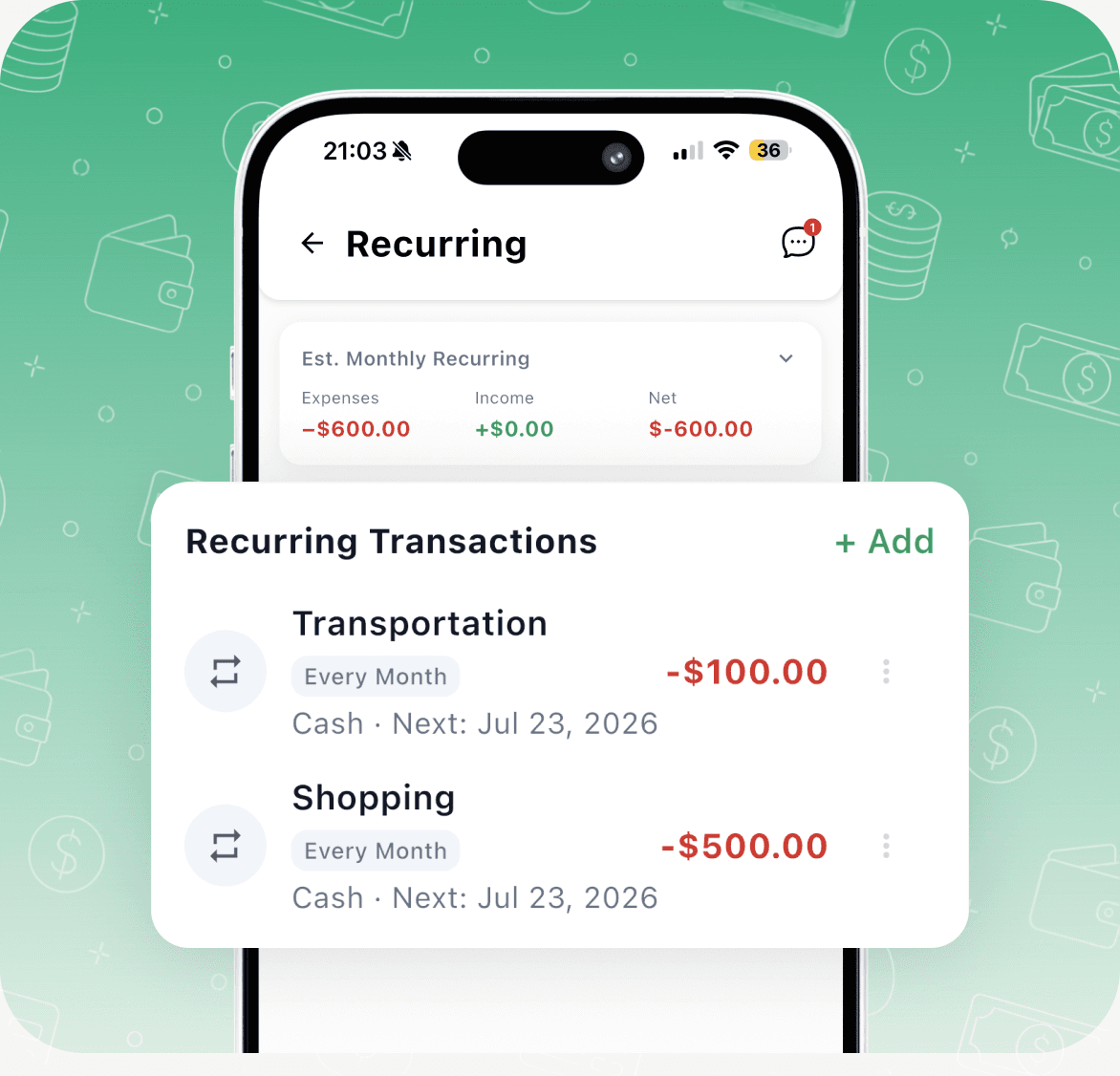
Keep the bills you expect from becoming surprises.
Save repeating income and expenses, organize them into recurring groups, and review the app’s estimated monthly cash flow from active recurring transactions.
Track repeating income and expenses
See upcoming recurring activity
Group related recurring transactions
Review a monthly cash-flow estimate
Free and Pro
The free plan is enough to build the habit and see how the pieces fit. Pro is for people who want fewer limits, complete exports, and deeper AI-powered analysis.
| Feature | FreeBuild the routine | ProRemove the friction |
|---|---|---|
| Transactions, accounts, categories | Included | Included |
| Receipt scans | 3 per month | Unlimited |
| Budgets, goals, and debts | Plan limits | Unlimited |
| AI assistant | Monthly allowance | Unlimited |
| AI-generated insights | — | Included |
| CSV export | Current month | All transactions |
| Support | Standard | Priority |
Store pricing, introductory offers, and trial eligibility are shown in the iOS or Android app before purchase.
Trust, in practice
Brightly currently uses manual and receipt-assisted entry. A bank connection is not required to use the product.
CSV export is available, with full-history export included in Pro.
Brightly states that it does not sell personal data and supports account deletion.
Questions, answered
The practical details about entry, AI, plans, privacy, and where the app works.
Brightly keeps accounts, transactions, category budgets, saving goals, debts, recurring transactions, and spending statistics in one place. The mobile app is designed around the monthly decisions that connect those tools.
The assistant can use the transactions, budgets, goals, debts, and recurring activity available in your Brightly account to give your question relevant context. Its responses are informational and may be incomplete; they are not professional financial advice.
Take a photo or choose a receipt image. Brightly extracts details such as the merchant, date, total, and currency, then creates a draft with suggested category and account information. You can edit the draft before saving it.
Brightly currently uses manual entry and receipt-assisted entry, so you decide what financial information to add. Automatic bank sync is described in current product materials as a future, optional feature rather than a feature available today.
Free includes the core tracking experience, a monthly AI allowance, limited receipt scans, plan limits for budgets, goals, and debts, and current-month CSV export. Pro removes the budget, goal, debt, and receipt-scan limits, adds AI insights, expands AI usage, enables full CSV export, and includes priority support.
Yes. Brightly has a companion web app for account access and desktop use. The complete experience—including receipt capture and the AI assistant—is centered on the iOS and Android apps.
Mobile subscriptions are purchased and managed through the Apple App Store or Google Play. Store pricing, trial eligibility, renewal, cancellation, and refund rules are shown by the platform before purchase.
Brightly supports CSV export, and the product materials state that you can delete your account. Brightly also states that it does not sell your personal data. See the Privacy Policy for the full details.
From the Blog
Ideas, guides, and updates.
Practical insights on personal finance, product design stories, and simple tips to help you build budgets with a pulse.
A spreadsheet can be a powerful budgeting tool, but its manual upkeep can make it difficult to keep current. Learn when a dedicated budgeting app...

Medical bills can derail even a careful budget when deductibles, copays, and uncovered care arrive at once. Learn how to review charges, plan for...

A tax refund, bonus, or cash gift can disappear fast when it lands in everyday spending. Learn how to give a windfall clear jobs—covering urgent...